Android app · DriveMeter
Your speed. Your journeys. A clearer overview.
Use DriveMeter for GPS speed, locally saved journeys and navigation on Android. Learn how to set up the display, prepare offline data and export the records you need.
- 6 interface languages
- 118 practical guides per language
Set up a journey that suits you
Prepare the phone before departure, check reception and choose the right tools. These guides explain the actual app controls and their requirements.
A readable GPS dashboard
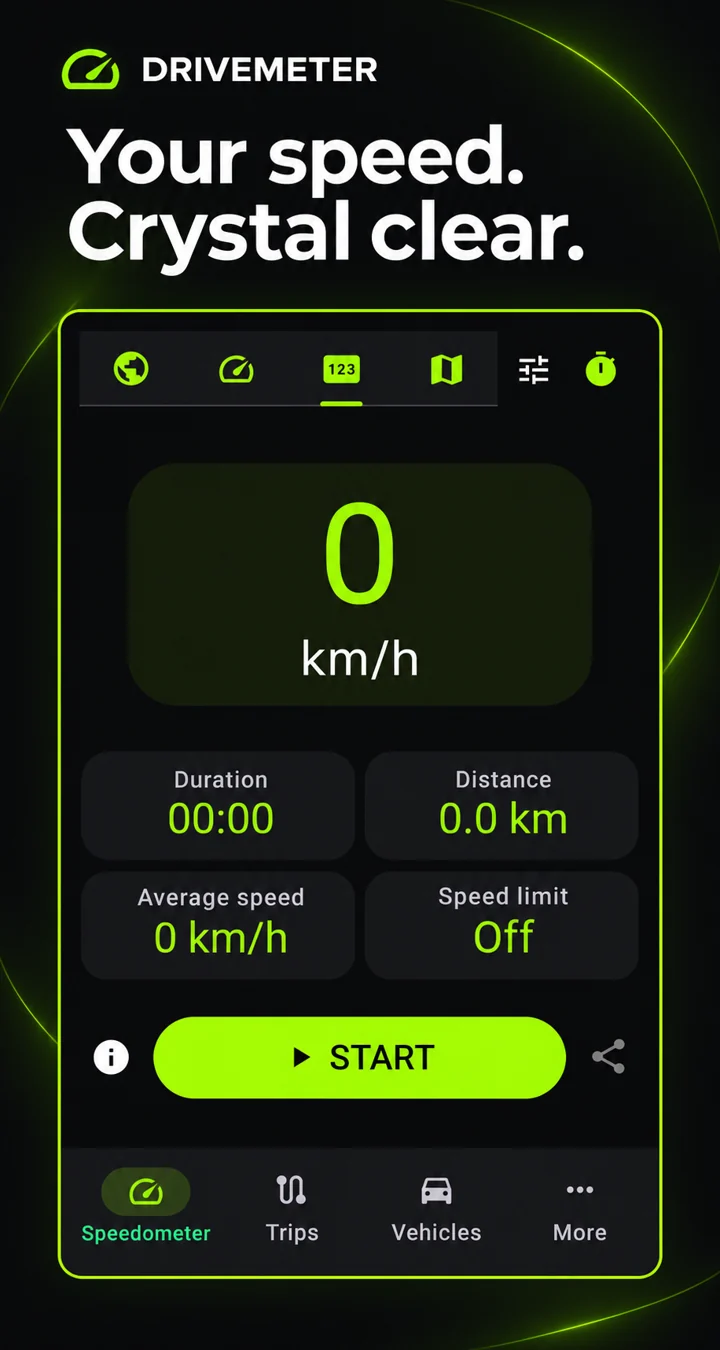
Choose speed units, analog or digital display, appearance and interface size. Read speed together with GPS quality.
A useful local logbook
Save trips with notes and assignments. Pro provides unlimited history, detailed tools and export options; free history is limited to ten trips.
Prepare maps and navigation
Plan car or pedestrian routes. Offline use needs the appropriate installed map, routing and voice data; active guidance requires Pro.
A look at DriveMeter
Guides
All 118 guides →Start with recording, understand route data or organize your vehicles. Choose a guide for the task you want to complete.
Record your first trip with DriveMeter
Start with a short test so you can check GPS reception and saved results.
Wait for the first reliable GPS reading
Check the initial location fix before treating the dashboard as ready.
Test an offline journey before departure
Check maps, addresses, routing and voice as separate preparations.
Move DriveMeter records to another phone
Transfer local records separately from your Google Play Pro entitlement.